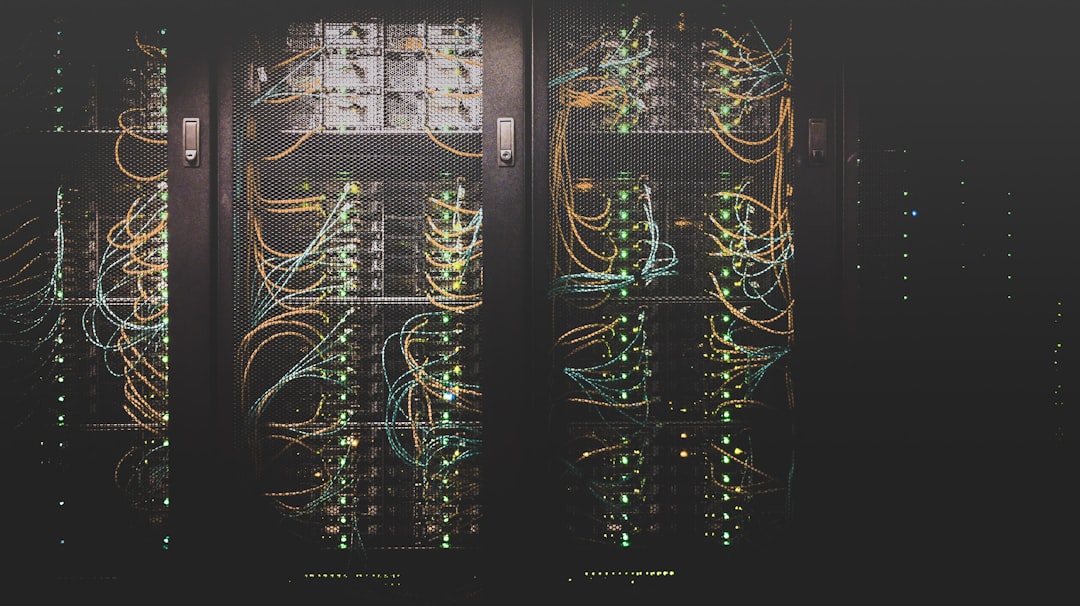
Photo: Taylor Vick / Unsplash
A VPS gives you control over your server, but it also means security cannot be left entirely to the hosting provider. The safest approach is layered: reduce unnecessary exposure, keep software updated, protect accounts, monitor the server and maintain tested backups.
This practical VPS security checklist is designed for website owners, agencies and hosting administrators running Linux-based web servers in 2026.
Table of Contents
- 1. Secure Server Access
- 2. Keep the Stack Updated
- 3. Configure Firewall Protection
- 4. Secure the Control Panel
- 5. Add Malware and Account Protection
- 6. Monitor Performance and Security
- 7. Maintain Tested Backups
- Final Checklist
- FAQ
1. Secure Server Access
Start with administrative access. Use SSH keys where appropriate, disable unnecessary authentication methods, protect privileged accounts and avoid exposing management services to the entire internet when a restricted access policy is possible.
Use strong, unique passwords for control panels and hosting accounts, and enable multi-factor authentication where the software supports it. Security often fails because a valid credential is easier to exploit than a software vulnerability.
2. Keep the Stack Updated
A secure VPS is not a one-time configuration. The operating system, kernel, control panel, web server, PHP versions, plugins and security tools all need a sensible update process.
Do not blindly update production systems without considering compatibility. For important hosting environments, schedule maintenance windows and keep a recovery path available before major changes.
3. Configure Firewall Protection
A firewall should expose only the services the server actually needs. Web servers normally require HTTP and HTTPS, while SSH, mail, DNS and control-panel ports should be opened according to the server’s role.
On cPanel systems, the security configuration should be reviewed after major software changes. cPanel’s recent releases have continued integrating firewall management into its update workflow, which makes keeping the panel current even more important.
4. Secure the Control Panel
If you use cPanel, Plesk or DirectAdmin, treat the control panel as a high-value administrative surface. Remove unused accounts, use strong authentication, review reseller privileges and restrict access where practical.
A control panel can simplify server administration, but it does not replace good security practice. The cPanel vs Plesk vs DirectAdmin guide can help if you are still deciding which panel fits your environment.
5. Add Malware and Account Protection
Multi-site servers need to assume that one compromised website can become a starting point for wider abuse. Account isolation, resource controls and malware scanning can reduce that risk.
CloudLinux is useful when you need stronger separation between hosting accounts, while Imunify360 can add malware detection and server security capabilities. These tools are particularly relevant for hosting providers and agencies managing many customer sites.
6. Monitor Performance and Security
Monitoring helps you distinguish normal traffic from unusual behaviour. Watch CPU, RAM, disk usage, disk I/O, network activity, service availability and website response times.
Security monitoring should also look for unexpected login attempts, new privileged users, suspicious processes, unusual outbound connections and sudden changes in website files. A spike in resource usage can be a performance issue, but it can also be a symptom of compromise.
7. Maintain Tested Backups
Backups are part of security because they give you a recovery option after ransomware, accidental deletion, database corruption or a failed update.
Keep more than one copy where possible, store at least one copy away from the VPS and test restores. Hosting backup products such as JetBackup and Backuply can automate recurring jobs in supported control-panel environments.
Final VPS Security Checklist
- Use strong administrative credentials and secure SSH access.
- Keep the OS, kernel and hosting software updated.
- Open only required firewall ports.
- Protect control-panel and reseller accounts.
- Use account isolation where multiple sites share a server.
- Run malware and security monitoring appropriate to the workload.
- Monitor CPU, RAM, disk and network behaviour.
- Maintain automated backups and test restoration.
- Review the server after every major software change.
Frequently Asked Questions
Is a VPS secure by default?
No. A VPS provides an isolated environment, but the server still needs proper configuration, updates, access control and monitoring.
Do I need CloudLinux for VPS security?
Not every VPS needs it. CloudLinux is especially useful for multi-account hosting where isolation and resource controls are important.
Are backups a security feature?
They are a critical recovery control. Backups do not prevent an attack, but they can significantly reduce the damage caused by data loss or a failed recovery.
What is the first VPS security step?
Secure administrative access and remove unnecessary exposure. Then build a routine around updates, firewall rules, monitoring and recovery.
For affordable VPS and server security software licenses, compare the relevant products in the LicenseCage hosting software catalogue.
